
⭐ Add SnickersUK.com to Your Home Screen
Quick instructions for iPhone & Android users
Adding our website to your home screen makes it work just like an app — fast, easy access with a single tap.
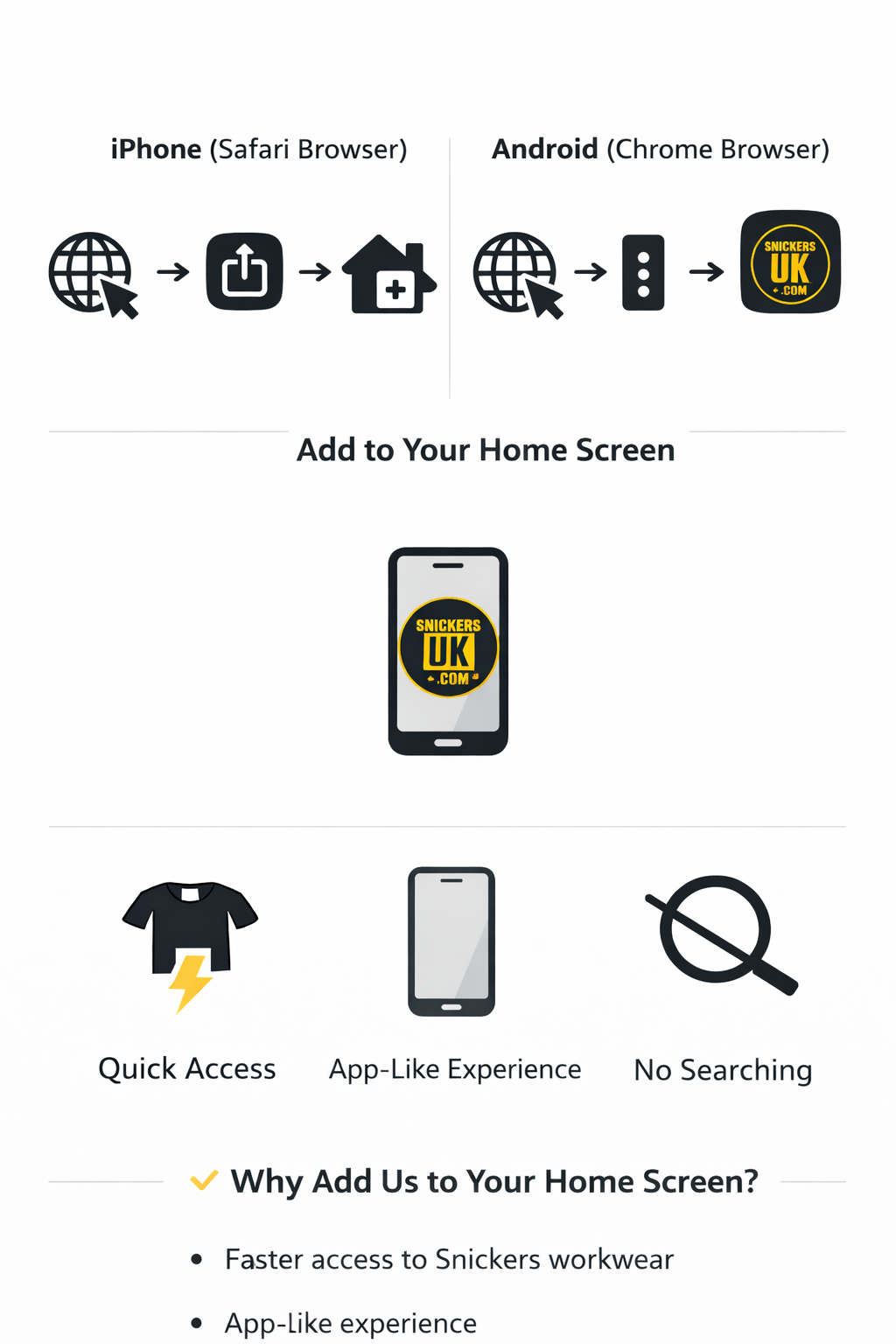
🍏 iPhone (Safari Browser)
- Open Safari on your iPhone
- Go to www.snickersuk.com
- Tap the Share icon (square with an arrow)
- Scroll down and select Add to Home Screen
- Tap Add in the top‑right corner
You’ll now see the SnickersUK icon on your home screen.
🤖 Android (Chrome Browser)
- Open Chrome on your Android phone
- Visit www.snickersuk.com
- Tap the three dots menu (top‑right)
- Select Add to Home screen
- Tap Add to confirm
The icon will appear on your home screen for quick access.
✔️ Why Add Us to Your Home Screen?
Faster access to Snickers workwear
App‑like experience
No need to search or type the website
Works on both iPhone and Android
